 ngelmann
Our own project · Prototype
From a Word form
to a finished PDF.
A guided web form for completing an incident report.
The challenge
What happens when
the form runs out of space?
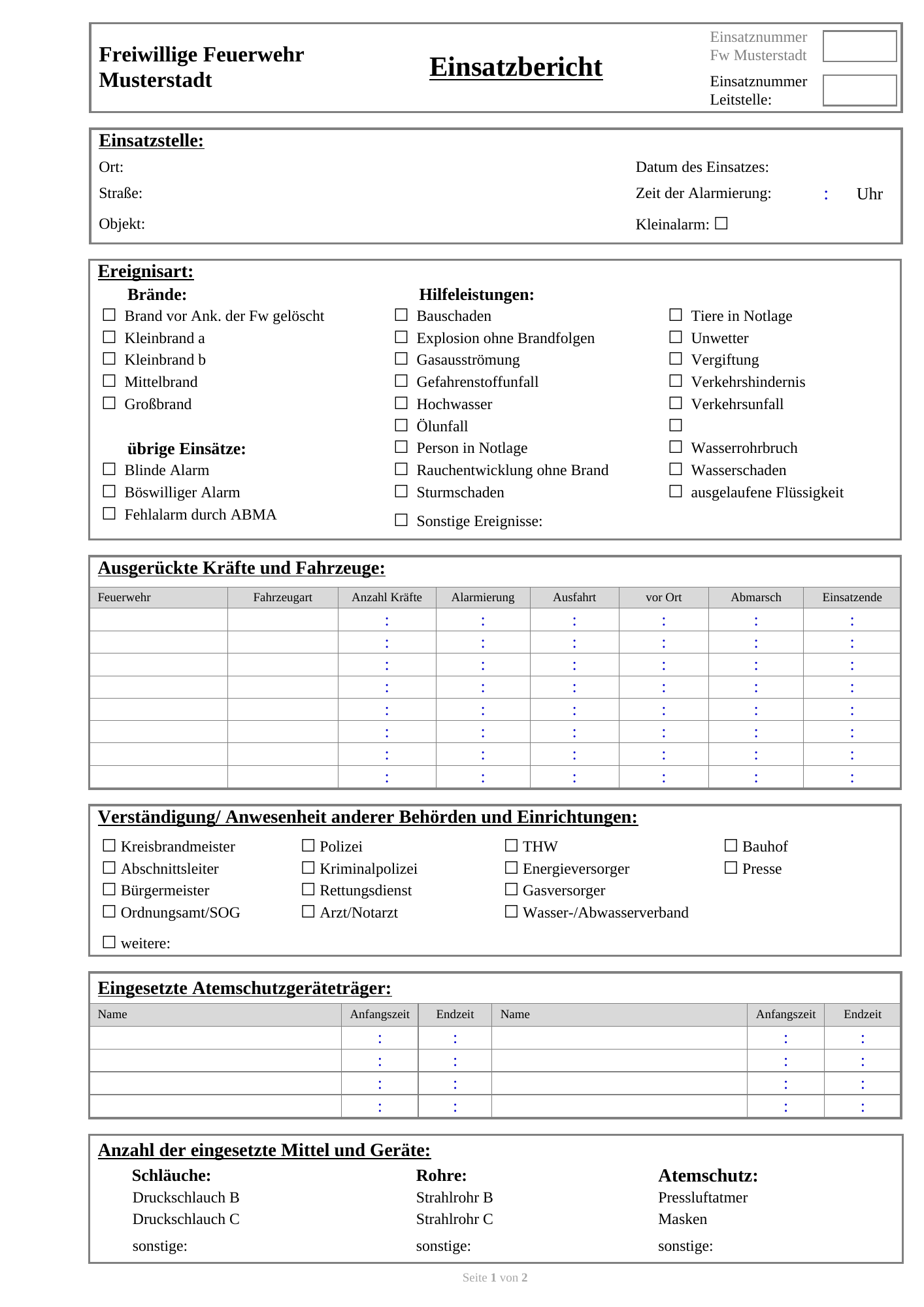
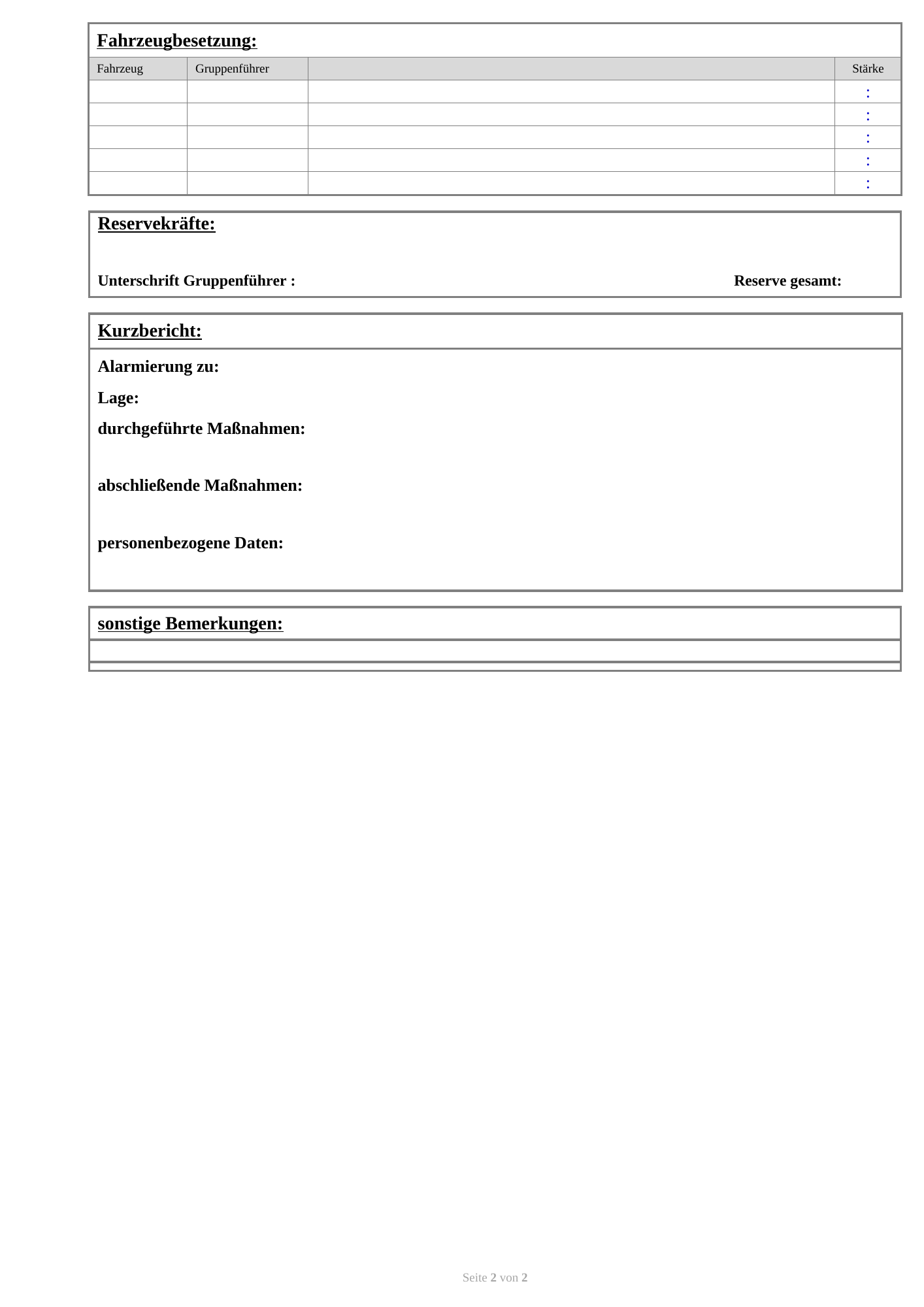
After an incident, the person responsible filled out a Word template. The form often ran out of space. Users were not always sure how to add table rows, or found it too cumbersome.
The completed Word document then had to be exported as a PDF, which required knowing how to use the relevant tools.
The goal was a simple way to record all the required information and produce the report as a PDF.
The prototype · In the browser
One task.
Step by step.
The web form guides you through the report in seven sections and highlights missing information. It then produces the completed report as a PDF, without a separate export from Word.
One section at a time.
Incident details
Missing information remains visible.
Try it.
Give feedback.
Keep developing.
The team tries the full workflow: entering a detailed incident report and producing the final PDF. Their feedback shows where the form and output still need work.
Further insights into our work